
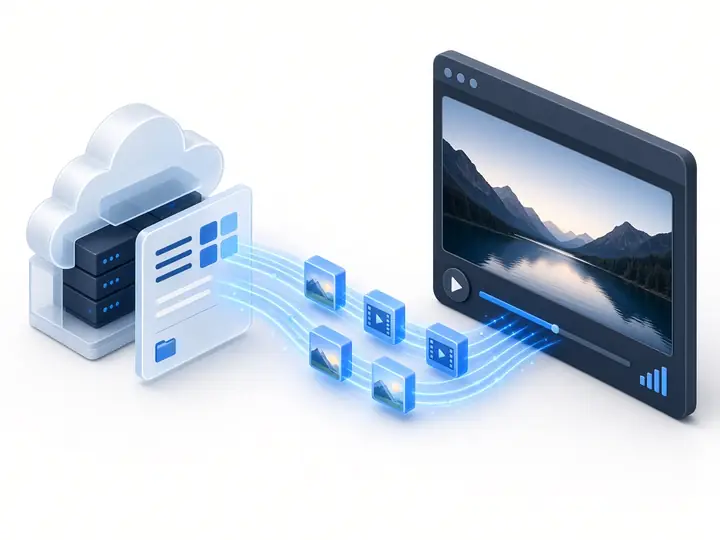

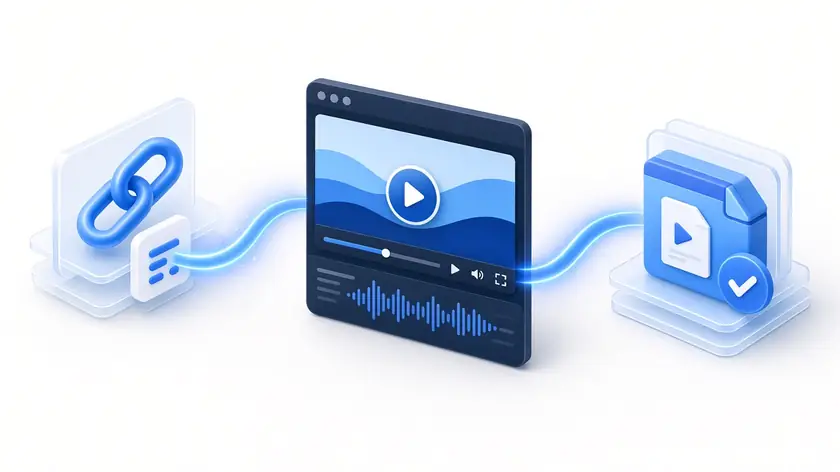
This MP4 player online opens a video straight in your browser. You do not need VLC, and you do not download or install any software: drop the file on the page, or paste a direct link, and it plays.
If the MP4 came from an m3u8 or a folder of .ts segments, this is the last check: drop the finished file here and confirm it actually plays and has sound before you send it anywhere. Start from m3u8 to MP4 or TS to MP4; if you need to see what was inside the source list first, read the m3u8 playlist.
Why open a file in the browser at all
Because nothing has to leave the machine. A desktop player needs an install, and a converter site needs an upload. An mp4 player online that runs on the page itself needs neither: the browser already has a decoder, and the file can be handed to it directly from your disk.
That matters for the files people actually check before sending somewhere — a clip that will not open, a download that may be truncated, a recording that is the wrong resolution. Dropping it on this page answers those questions in a second, and the file never leaves your device.
Two ways in, and they behave differently
A file from your device. The browser reads it through a blob URL. No network request is made, the file is not copied anywhere, and closing the tab releases it. This is the route to use for anything private.
A direct link. Paste an address that ends in .mp4, .m4v or .webm. The browser streams it from the source — which means a link to a page that contains a video will fail, because the bytes returned are HTML. If a link gives a network error, open it in a new tab first: if you see a web page rather than a download starting, that address is not a file.
What a browser can and cannot play
The container is only half the answer. .mp4 says how the tracks are wrapped; it says nothing about which codecs are inside.
| Inside | Chrome and Firefox |
|---|---|
| H.264 video + AAC audio | Plays. This is the ordinary case. |
| H.265 / HEVC video | Fails. No browser decodes it. |
| AV1 video | Plays in recent Chrome and Firefox, not in older ones. |
| VP9 video + Opus audio in WebM | Plays. |
| AC-3 or E-AC-3 audio | Fails, or plays silently. |
.mkv with any of the above |
Usually fails; browsers accept only a narrow set of combinations. |
That table explains most of the "my file opens in VLC but not in the browser" messages. A .mp4 with HEVC video is still an MP4; the browser simply has no decoder for what is inside it. There is no setting to turn on, and no upload that would help — the only fixes are re-encoding the video or converting the audio track to AAC.
When playback fails, the panel under the player says which of these happened instead of showing a black rectangle. A network error, a decode refusal and a container mismatch are different problems, and only one of them is fixable from your side.
Reading the numbers
Size is the video's pixel dimensions, taken from the file once its metadata loads. A file that reports 0×0 has not loaded at all, which points at the source rather than the codec.
Length is the duration the file declares. Live streams have none, and a broken index often reports something absurd — a two-hour file that claims eleven seconds is a truncated download, not a bug here.
Source tells you whether you are watching a local file or a remote one, which is the difference between "my disk is fine" and "the server is refusing me".
When this is the wrong tool
This page plays files. It does not play a link that ends in .m3u8 — that is a playlist, not a video, and it needs an HLS player. The m3u8 player on this site handles those, and the playlist reader explains what is inside one before you try.
It also does not convert. If you want a playlist turned into one MP4, use the m3u8 to MP4 converter; if you already have .ts segments on your disk, the TS to MP4 tool joins them. Nothing on this site re-encodes, so a file with HEVC video stays unplayable in the browser no matter which page you try.
What it will not do
It does not upload, does not record, does not download a stream, does not bypass anything, and does not claim a codec it cannot handle. It hands a file or a direct address to the browser's own decoder and reports what came back.
Rights holders can reach us through the notice procedure.