

What HLS actually is
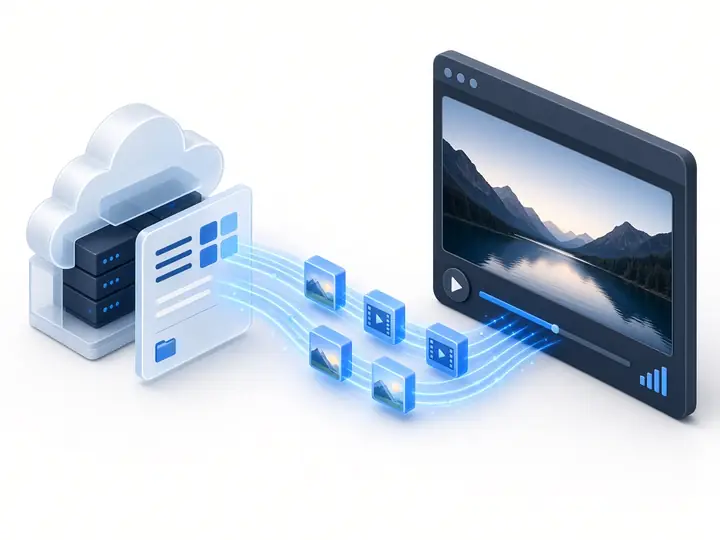
HTTP Live Streaming is a delivery method, not a file format. It cuts a video into short segments, writes a text playlist that lists them, and lets a client fetch them a few seconds at a time. Because everything travels over plain HTTP, an ordinary web server can serve a stream, and an ordinary cache can speed it up.
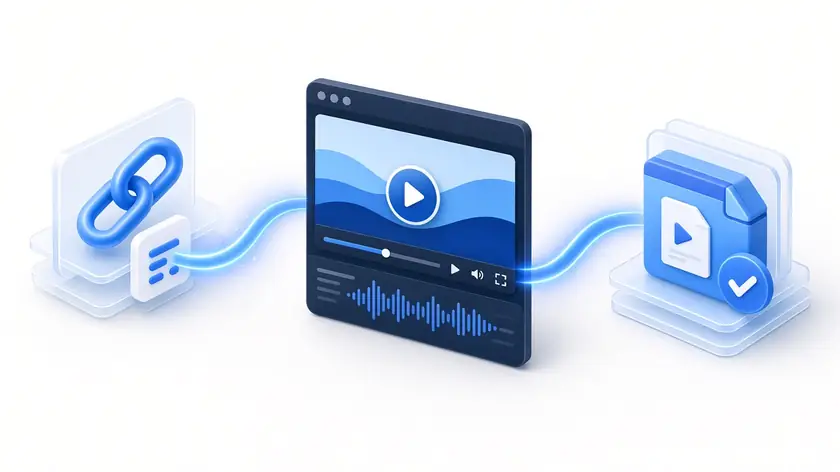
The .m3u8 file is only the index. That distinction matters more than it sounds: a bare m3u8 list is just addresses and durations, while HLS as a protocol adds adaptive switching, alternative audio and subtitle renditions, encryption tags and clock synchronisation. This page is about the second half.
What this player shows that a plain video tag cannot
Drop an .m3u8 into a <video> element and, on browsers that support it natively, it plays. Then everything interesting is hidden: you cannot see which rendition was chosen, why the picture went soft for ten seconds, or how far behind live you are.
The panel under the player exposes four numbers:
Level is the rendition currently in use — 720p, 1080p, or whatever the master playlist offers. On Auto it changes as bandwidth moves; pinned, it stays where you put it.
Bitrate is what that rendition costs, in kbps. A stream that keeps falling to its lowest level is telling you about the network, not about the page.
Buffer is how many seconds are downloaded ahead of the playhead. Below about five seconds, a small stall in the network becomes a visible stutter.
Live lag is the distance between the live edge and what you are watching. Two to three segment lengths is normal; a number that keeps growing means the client is falling behind and will eventually jump.
Auto or manual
The dropdown starts on Auto, which is what almost every viewer wants: the player measures throughput and switches up when there is headroom, down when there is not. That behaviour is the entire point of adaptive streaming, and it is why a well-built HLS stream rarely buffers.
Pinning a level is for the cases where Auto is being optimistic or pessimistic — a flaky connection that keeps flapping between levels and causing visible resolution jumps, or a screen recording where you want a stable picture. Pinning the top level on a slow link produces exactly what you would expect: buffering.
One detail worth knowing: switching levels mid-stream is not a re-connection. The client finishes the current segment and asks for the next one at the new level, so the change lands on a segment boundary rather than instantly.
Why a stream fails, in plain terms
The player reports four kinds of failure separately, because they need different answers:
- The playlist could not be loaded. Wrong address, a cross-origin refusal, or an HTML page returned instead of a playlist. Open the address in a tab to see which.
- The playlist loaded but could not be parsed. Including the case where its codecs are ones the browser cannot decode — HEVC video and AC-3 audio are the usual offenders.
- A segment or variant failed. Common on live lists: segments expire, so an address copied yesterday can point at files the server has already deleted.
- The browser refused the media data. Encrypted streams land here, because a client without a key gets bytes it cannot use. Nothing on this site requests keys.
If you need to know what is inside the playlist before any of this — variant count, segment length, encryption tags — read it first with the playlist reader. It costs a few kilobytes and often explains the failure outright.
How this differs from the home page player
The m3u8 player exists to answer one question fast: does this link play? Paste, watch, done. This page exists to answer the follow-ups: at what quality, with how much buffer, behind live by how much.
Both open the same kind of file. If you are checking a link a friend sent, use the home page. If you are trying to understand why a stream misbehaves, stay here.
What it will not do
It does not download, does not record, does not decrypt, does not bypass a login or a regional restriction, and does not reconnect to a stream you have no access to. It plays a playlist you provide, using the standard open-source pipeline any browser can run.
Rights holders can reach us through the notice procedure.