


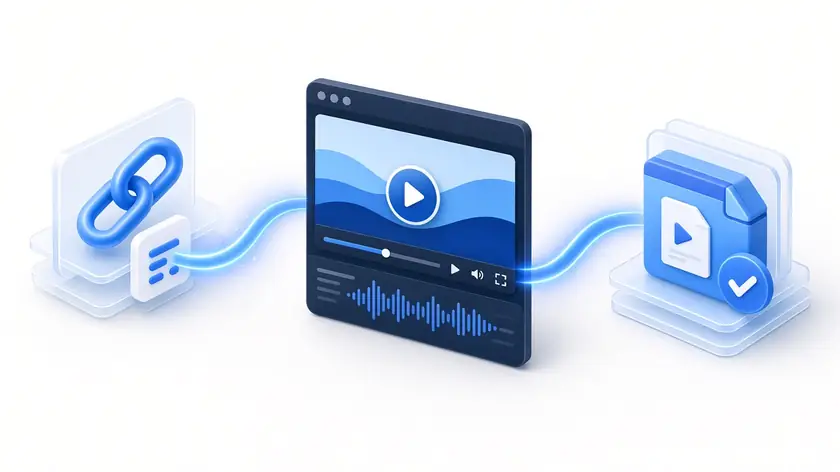
What this tool does
It takes a playlist that points at MPEG-TS segments — the .m3u8 you were given, or the .ts files already sitting in a folder — and writes one MP4 you can keep, move and open in any player.
The work happens in your browser. There is no upload, no queue, no account and no server-side copy of anything you load.
Remux, not re-encode
This is the part that decides how long it takes and what quality you get.
A stream delivered as HLS is usually H.264 video and AAC audio, split into two-to-ten second pieces and wrapped in an MPEG-TS shell. An MP4 file holds the same two tracks inside a different shell. Re-wrapping them — remuxing — means reading the packet headers, writing a new index, and copying the media bytes untouched.
Nothing is decoded and nothing is compressed a second time. A one-hour recording finishes in seconds because the browser is copying bytes, not recomputing pictures. The output is bit-for-bit the quality of the source, which is more than a re-encoder could promise at any speed.
The cost is that the container cannot be changed. If the source is HEVC, or its audio is AC-3 or E-AC-3, there is no legal way to carry those tracks into a standard MP4 without re-encoding — so this tool does not pretend to. Sources like that either stop or come out silent, and that is a property of the format, not a bug we can fix later.
Two ways to load material
From a playlist address
Paste a .m3u8 address and press Load. The tool reads the playlist, follows a master playlist down to its first variant, counts the segments and lists them. It also checks for an EXT-X-KEY tag before anything else, because an encrypted playlist cannot be handled here.
This route depends on the source server. Many hosts send no cross-origin header, which means the browser will play their stream but will not let a page read the same files. When that happens the tool says so in plain words instead of showing a progress bar that never moves.
From files you already have
Pick one or more .ts files and they are queued in filename order, so segment-1, segment-2, segment-10 line up correctly rather than alphabetically. This route has no cross-origin problem at all: the bytes are already on your machine.
What to expect when it stops
Five outcomes cover almost every failure, and each one is reported as itself rather than as a generic error:
- Cross-origin refusal. The source will not let a page read its files. Nothing on our side can change that.
- Encrypted playlist. An
EXT-X-KEYtag was present. The tool does not request keys or decrypt. - Memory ceiling. Input passed roughly 400 MB on a desktop browser, or far less on a phone.
- Unsupported codec. HEVC video or AC-3 audio, which cannot be carried into MP4 without re-encoding.
- Not a playlist. The address returned HTML, a redirect page or an empty body.
What this tool will not do
It does not decrypt anything, it does not bypass a paywall, a login or a geographic restriction, and it does not crawl a site to find playlists you have not opened. It processes a playlist you give it and the files you select — nothing else.
That limit is deliberate. A tool that only re-wraps what you already have access to stays a tool; one that fetches and unlocks what you do not is a different kind of site entirely. See the notice procedure for how rights holders reach us.
When this is the wrong tool
If the link plays but nothing appears, you want the player, not a converter — the problem is playback, and converting will not fix it. If you only want to look at what is inside a playlist before committing to a download, load it in the player first: the segment count and duration are shown there, and you can decide afterwards whether the file is worth building.
Every tool on this site follows the same rule: it runs on your device, it uploads nothing, and it refuses to handle protected streams. The full list shows what exists and what is next.